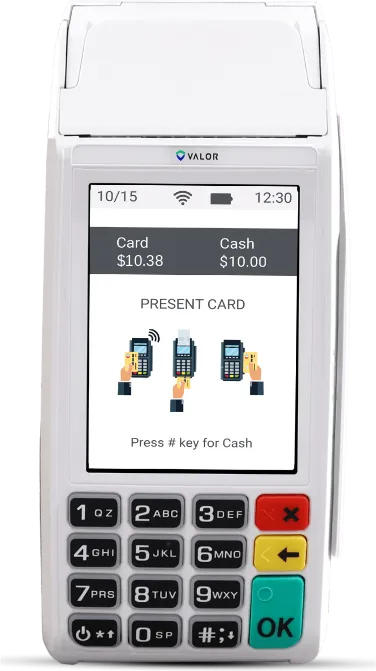
Wireless handheld
VL110
A salon where the client pays at the station, not at a front desk.
- Battery, Wi-Fi and 4G
- Built-in receipt printer
- Tip prompts and tip adjust
- Bill splitting
A wireless terminal walks to the chair, asks for the tip and prints the receipt. With a cash discount your menu shows a cash price and a card price 3.75% higher, so the card fee comes out of the card price, not your pocket.
Card pays $46.69, $1.69 more. That difference pays the card fees, so you keep the full $45.00 either way.
Today, card fees take about
$960
a month, or $11,518 a year.
With a cash discount, card customers pay the posted card price, 3.75% above cash. That difference pays the card processing, so a card sale leaves you the same as a cash sale. Every rate is in your agreement before you sign, and Paymantis pays your monthly service fee.
Where the money comes from: card customers pay the card price on the tag, 3.75% above the cash price. On $35,000 of card sales at your cash prices, that adds up to about $1,313, which pays the processing cost. This is an example using the published rate you picked, not a quote. Your result depends on your card volume, card mix, how many customers switch to cash, and the program’s final pricing.
Wireless handheld
A salon where the client pays at the station, not at a front desk.
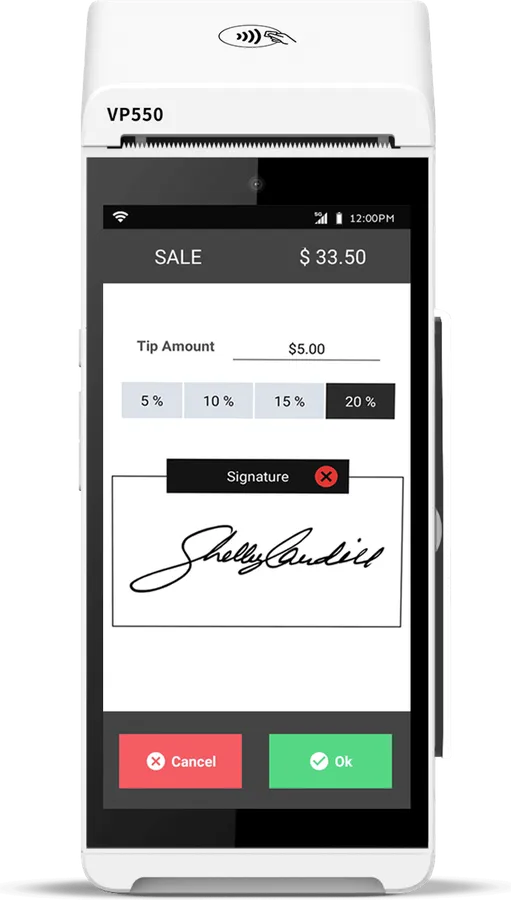
Android handheld
A salon with several technicians and a lot of tipping.
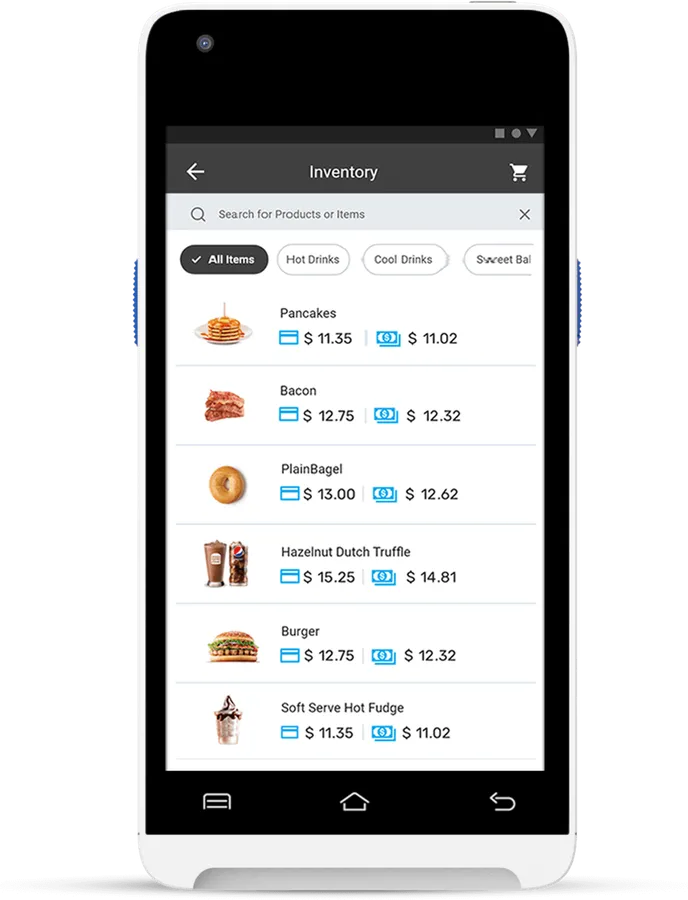
Light Android handheld
A small salon that doesn’t want paper receipts.
Bookings, reminders and client notes stay where they are. Payment moves to the terminal at the end of the visit. You lose the app’s automatic checkout. The card price on your menu covers the card processing.
No. Keep your booking app for bookings, reminders and deposits. Take the payment at the end of the visit on our terminal instead of through the app. If you take card deposits through the app, those stay with the app’s processor.
The terminal asks for the tip on screen, with buttons for set percentages or a custom amount, and you can adjust a tip afterwards. The tip is added to the sale.
No. The terminal records the tip per sale. Splitting it between technicians stays in your payroll or booking app, the way most salons do it today.
The handhelds split a bill across cards, or part card and part cash.
Your menu shows both prices, cash and card, so clients know before they pay. The sign at the desk explains it. Pricing rules vary by state and city, so check yours before you start.
Two minutes, no Social Security number, no bank details. We look at your shop and call you back with the real numbers.