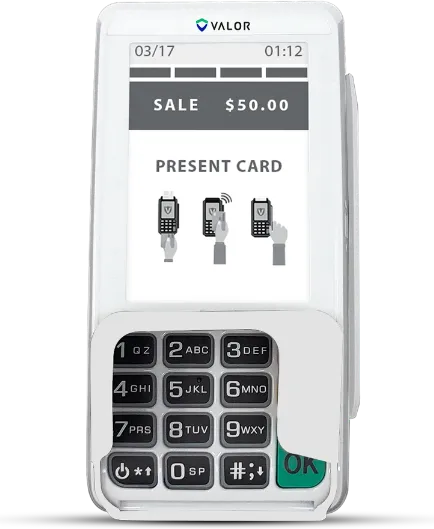
Price your shelf for cards. Cash buyers pay less.

Big bottles, thin margins, and most customers pay by card. With a cash discount every tag shows a cash price and a card price 3.75% higher, so the card fee comes out of the card price, not your margin.

Card pays $41.49, $1.50 more. That difference pays the card fees, so you keep the full $39.99 either way.

What cards cost your store each month.

Credit and debit together, before fees. Your statement shows it.

Today, card fees take about

$1,035

a month, or $12,420 a year.

With a cash discount, card customers pay the posted card price, 3.75% above cash. That difference pays the card processing, so a card sale leaves you the same as a cash sale. Every rate is in your agreement before you sign, and Paymantis pays your monthly service fee.

Where the money comes from: card customers pay the card price on the tag, 3.75% above the cash price. On $35,000 of card sales at your cash prices, that adds up to about $1,313, which pays the processing cost. This is an example using the published rate you picked, not a quote. Your result depends on your card volume, card mix, how many customers switch to cash, and the program’s final pricing.
Three ways to set up the counter.

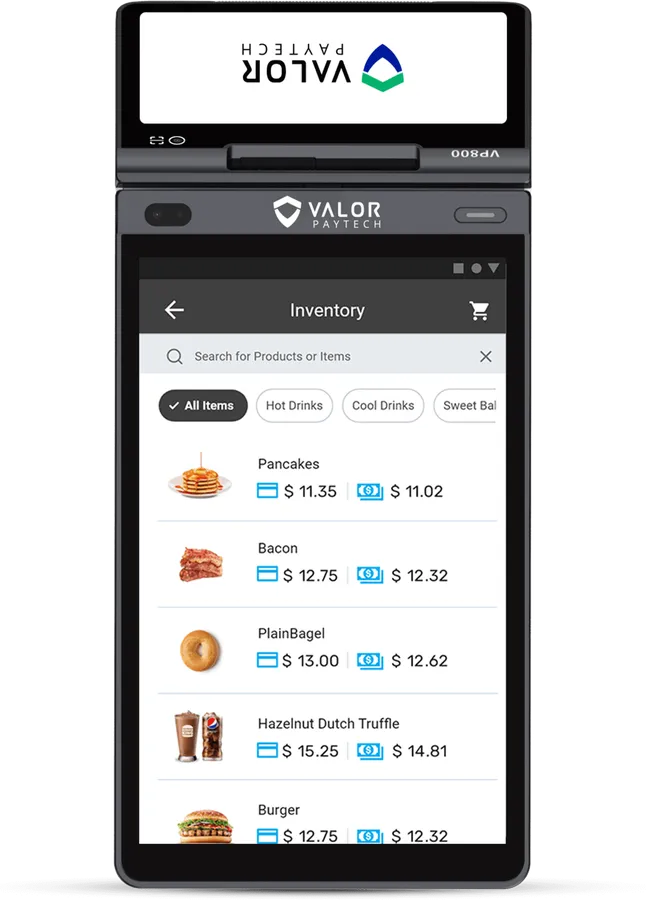
Valor VP800 all-in-one terminal, seen from the customer side with its small customer screen

Countertop with customer screen

VP800

A busy counter, where showing the cash price at the moment of payment nudges more customers to cash.

  • 8-inch screen for you, 5-inch screen for the customer
  • Fast receipt printer
  • Wi-Fi, 4G or Ethernet
  • Item list and simple inventory app

Choose this one (VP800)

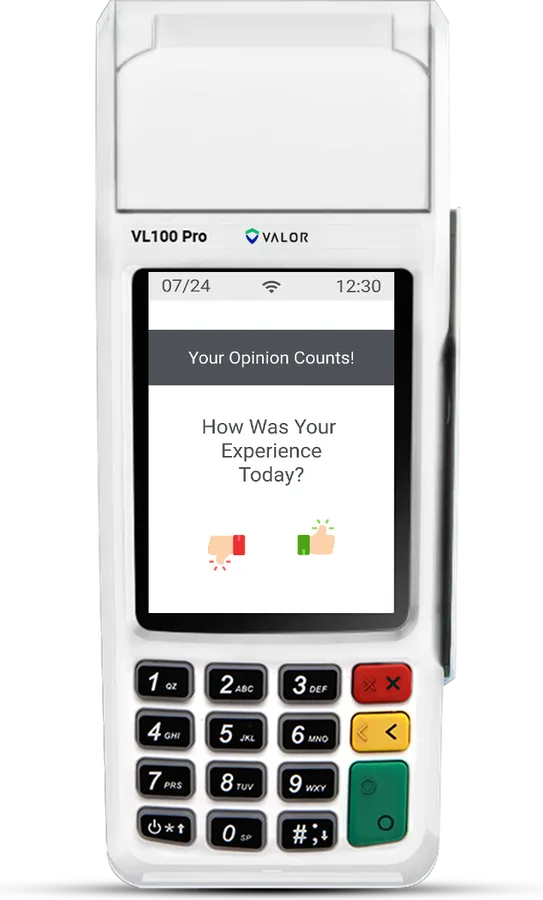
Valor VL100 Pro countertop card terminal, upright, with a keypad and a receipt printer on top

Countertop

VL100 Pro

A store with one register that wants the least to learn.

  • 3.5-inch touchscreen and keypad
  • Built-in receipt printer
  • Wi-Fi or Ethernet
  • Tap, chip and swipe

Choose this one (VL100 Pro)

Valor VL300 PIN pad with a keypad and small screen

PIN pad

VL300

A store that already scans inventory on a register and only needs the payment device.

  • Customer-facing PIN pad
  • Connects to a register by USB or serial
  • Tap, chip and swipe
  • No printer (your register prints)

Choose this one (VL300)

See all eight terminals

What changes on your first day.

Your tags show both prices, cash and card. We show you how to set that up on your labels or your register. Signs go up at the door and the counter. At checkout the terminal asks card or cash and charges the posted price for how they pay.

  • Same checkout for your staff: tap, chip or swipe.
  • Cash buyers see their discount on the screen and the receipt.
  • Debit and credit pay the same card price on the tag.
  • EBT pays the cash price.

Questions liquor store owners ask.

My customers buy a $60 bottle on a card. What does that cost me now?

At Square’s published 2.6% + 15¢, about $1.71 every time. With a cash discount, the card price on the tag is 3.75% higher and pays that cost, and the cash customer pays the cash price.

Can I keep my register and scanner?

Yes. If you scan inventory on a register, keep it and add the VL300 PIN pad for card payments. If you don’t scan, a countertop terminal like the VL100 Pro is all you need.

Does the terminal check IDs?

No. Keep checking IDs the way you do now. None of these terminals scan driver’s licenses.

What about EBT for the grocery side?

The VP100 countertop takes EBT. EBT shoppers pay the cash price, the same as cash customers, which SNAP rules require. Your store needs its own SNAP authorization, and alcohol can’t be bought with SNAP.

What signs do I need?

A sign at the door and at the register explaining the two prices on every tag. We send them, worded for your state. Pricing rules vary by state and city, so check yours before you start.

Let’s get your store set up free.

Two minutes, no Social Security number, no bank details. We look at your shop and call you back with the real numbers.